 APK
Sonos v90.01.9-release+20261015.ec5ada6
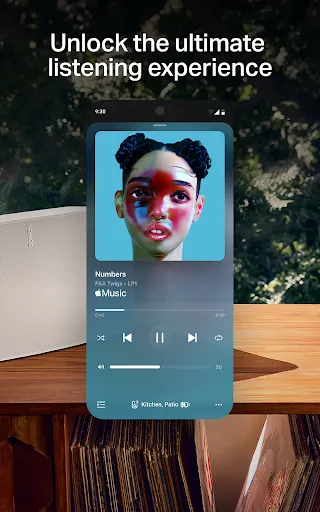
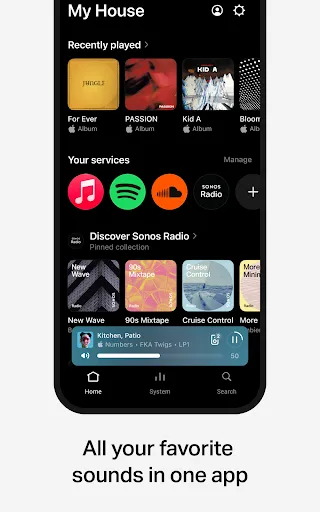
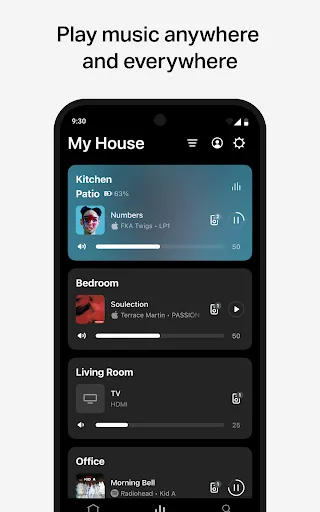
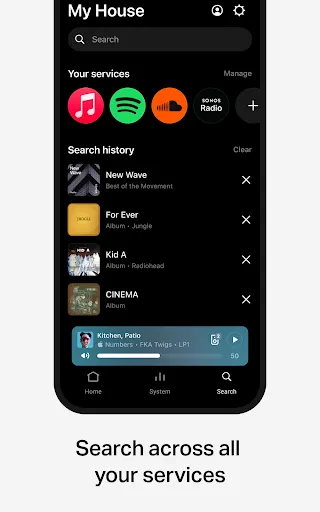
Sonos is the official app for controlling Sonos speakers and soundbars from your phone. Group rooms, play music from Spotify, Apple Music and more, tune your sound with Trueplay, and set up new speakers in a few taps, all from one simple home screen.
View on Google Play
Opens the Google Play listing
Official store link
Version
90.01.9-release+20261015.ec5ada6
File Size
146 MB
Developer
Sonos, Inc
Screenshots & Preview
Click any image to view in full screen
Frequently Asked Questions
Common inquiries regarding Sonos installation & verification
What is the Sonos app?
Sonos is the official app for controlling Sonos speakers and soundbars. It brings your music, settings and speaker controls together in one place on your phone.
Do I need Sonos speakers to use the app?
Yes, the app is made to control Sonos products. Without a Sonos speaker or soundbar on your network, there is nothing for it to control.
Which music services work with Sonos?
You can browse and play content from services including Spotify, Apple Music, Amazon Music, Pandora, TIDAL, Audible, Deezer, iHeartRadio and SiriusXM, all inside the one app.
Can I play different music in different rooms?
Yes. You can play something different in each room, or group rooms together so the same music plays through the whole house.
What is Trueplay in the Sonos app?
Trueplay tunes a Sonos speaker for the room it sits in, adjusting the sound to suit the space. You run it from the app during setup or from the speaker settings.
How do I set up a new Sonos speaker?
Open the app and it will detect a new Sonos product nearby. Follow the on-screen steps to connect it to your Wi-Fi, name the room, and, if you like, pair it as a stereo pair or surround set.
Is the Sonos app free?
Yes, the Sonos app itself is free to download and use. You still need Sonos speakers, and any music service you use may need its own subscription.
Similar & Recommended
Other popular downloads in this category






Sonos
Music & Audio · 146 MB